Record your games automatically
Record your matches automatically

Powered by Veo AI ™

Easy to set up
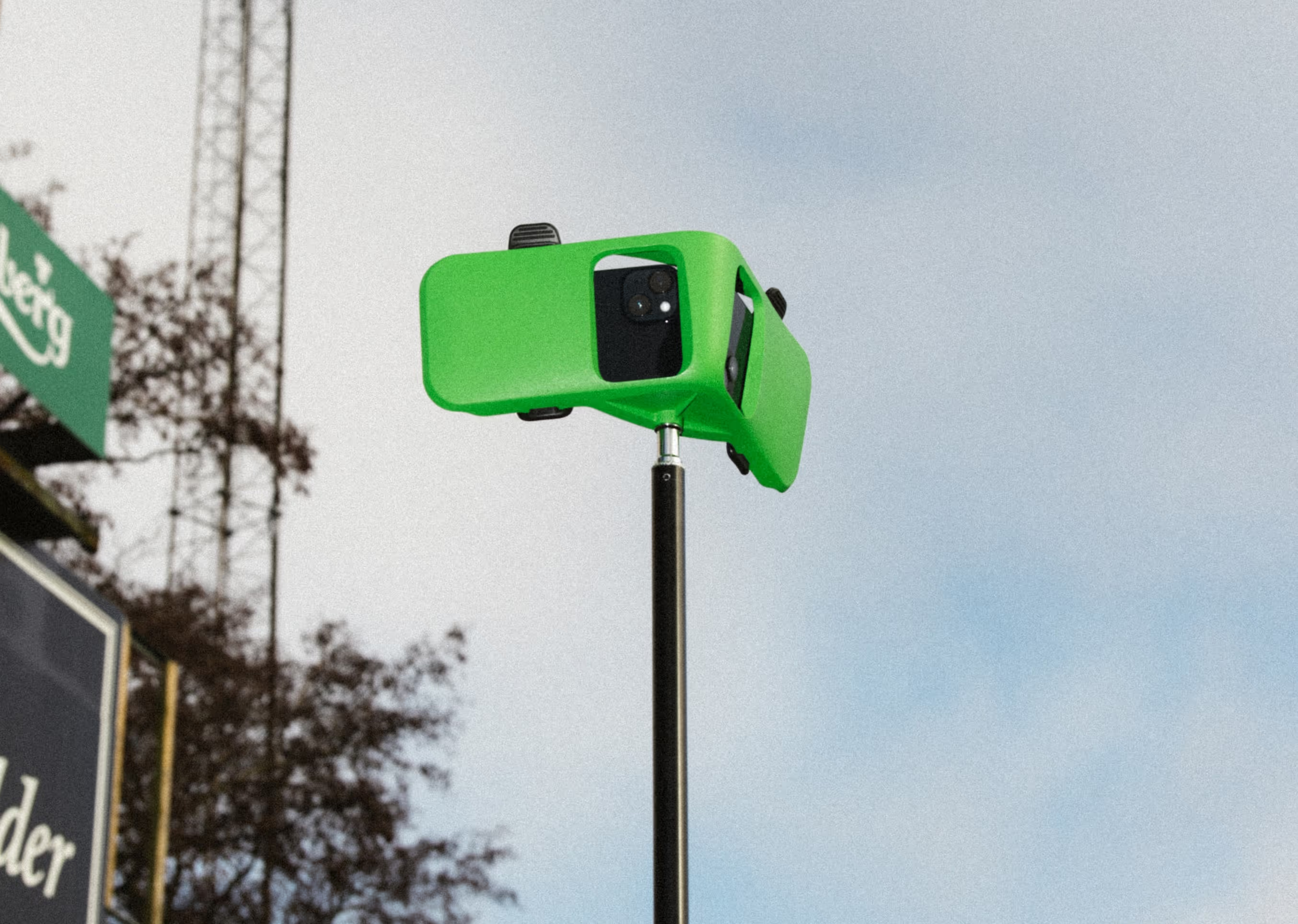
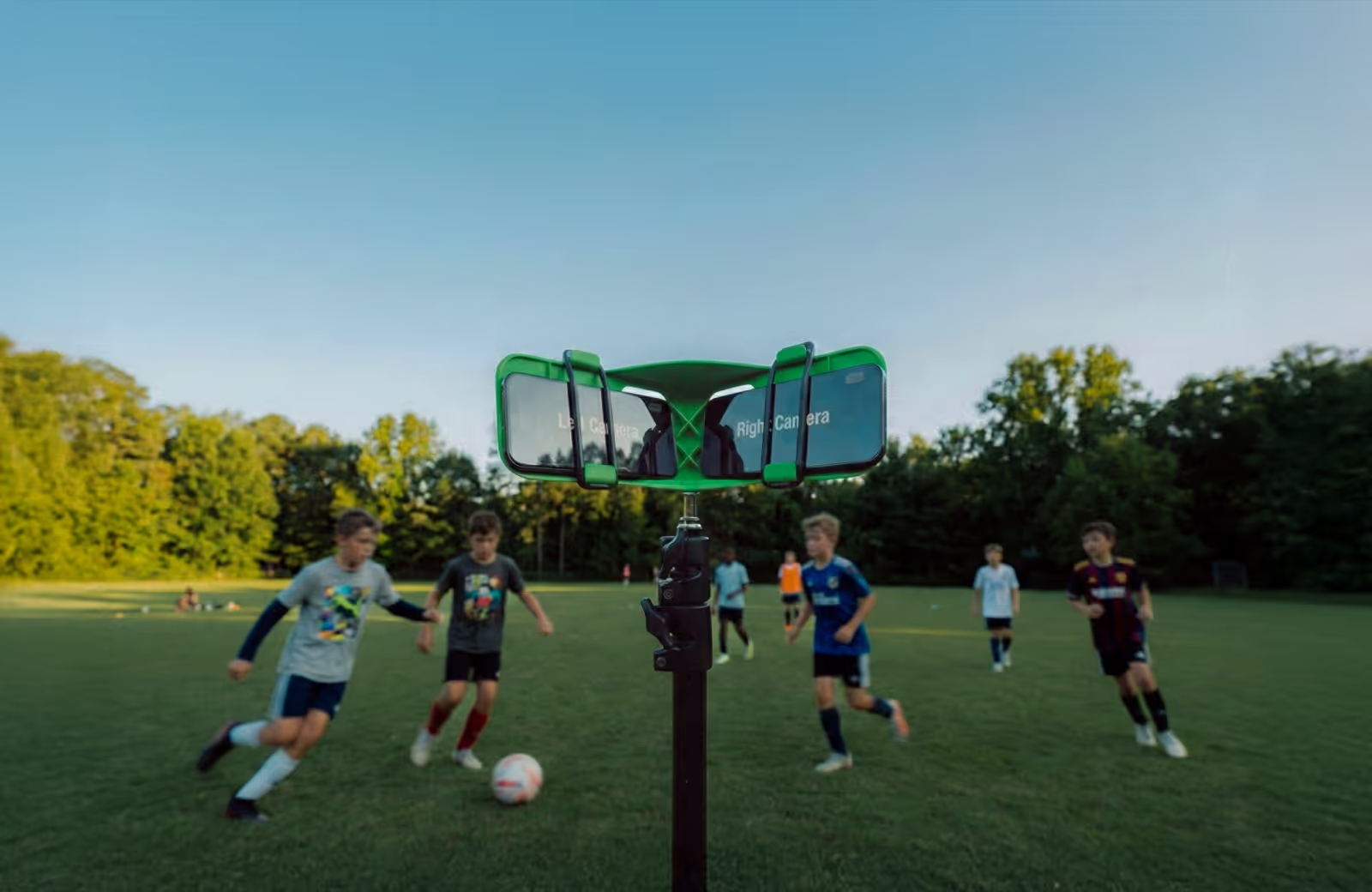
You only need two iPhones to record. Scan the QR code to connect, place the phones in the rig, and hit record. That's it.
No camera operator needed
Veo Go follows the action automatically, so you can focus on the game.



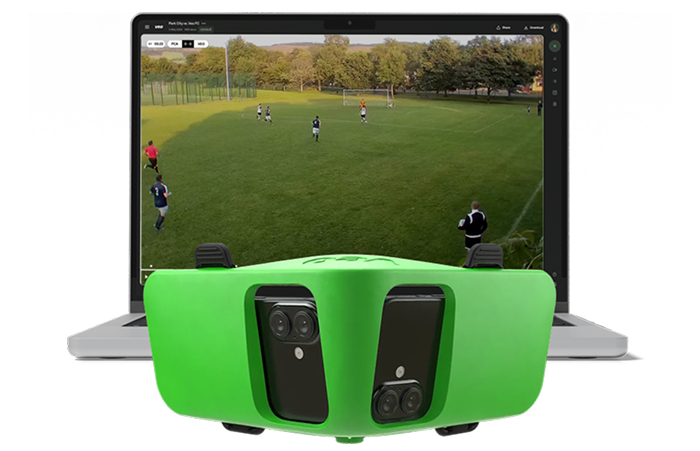
Play it back in Veo Editor
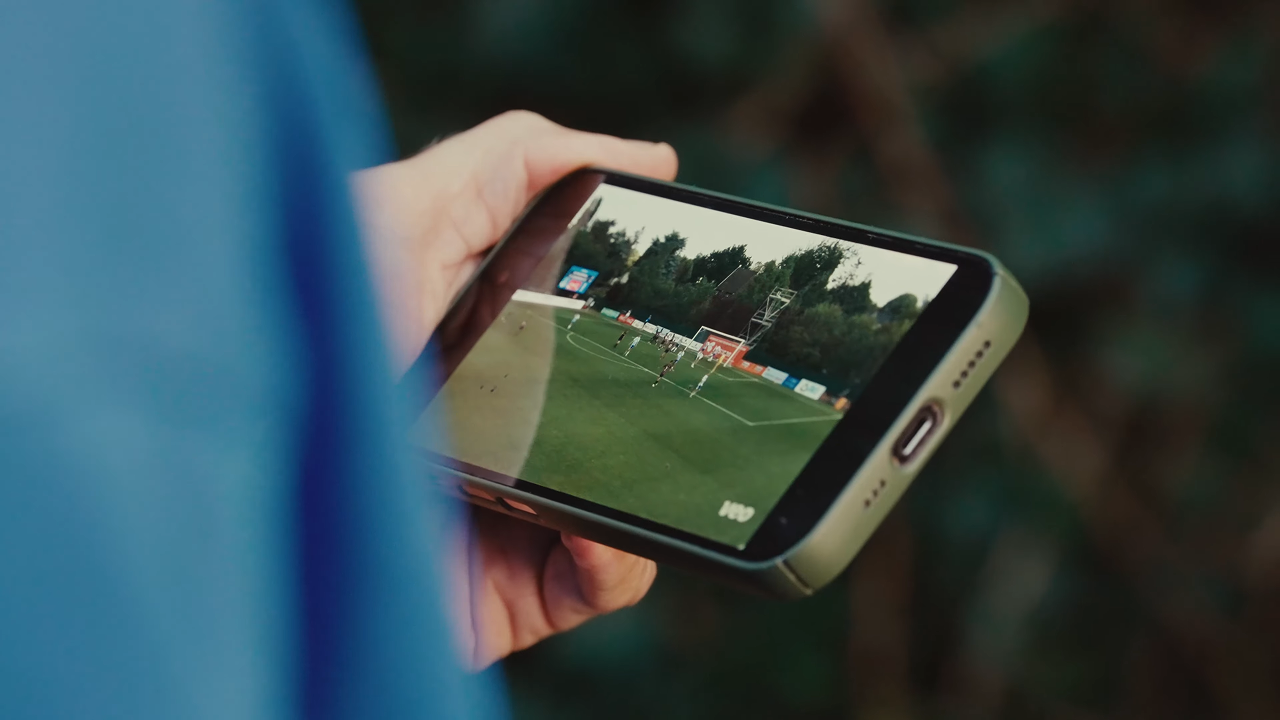
After the game, your recordings are waiting in Veo Editor. Add feedback, create clips, and share them with friends, family, and recruiters.

Record and share with the Veo Go app
The Veo Go app keeps everything in one place – setup, recording, and sharing your highlights. Subscribe for full access, or join as a guest to help record.
Built for real games
Youth Media Lead, Reading City FC
Everything you need to record

Veo Go phone rig and tripod
Get the hardware for free when you subscribe to a yearly plan.
Turn two iPhones into a sports camera
Get access to our advanced AI and Veo Editor – everything you need to record, review, and share.
What's the difference?
*Veo Cam 3 estimations are based on Team subscription.
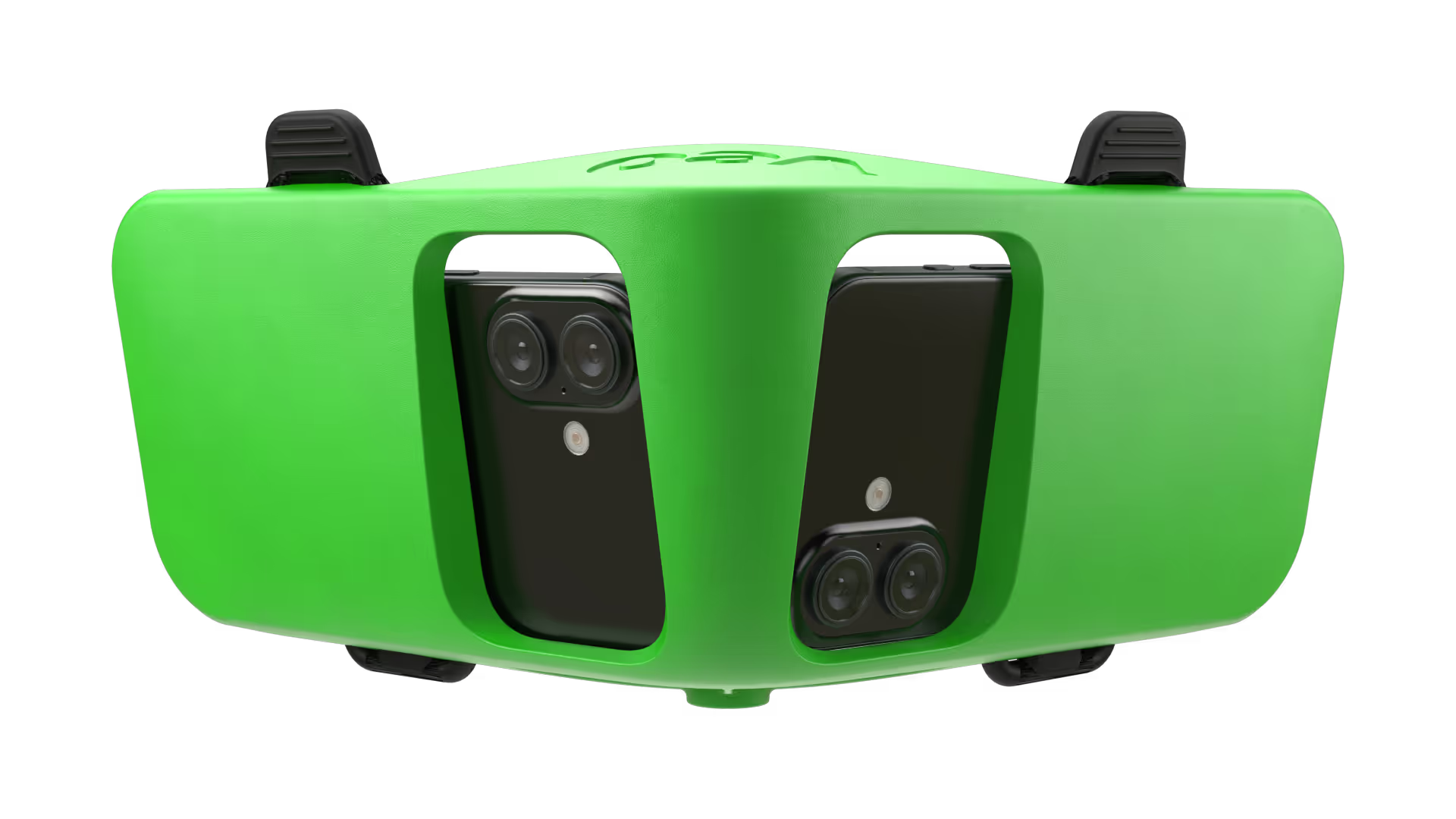
Veo Go
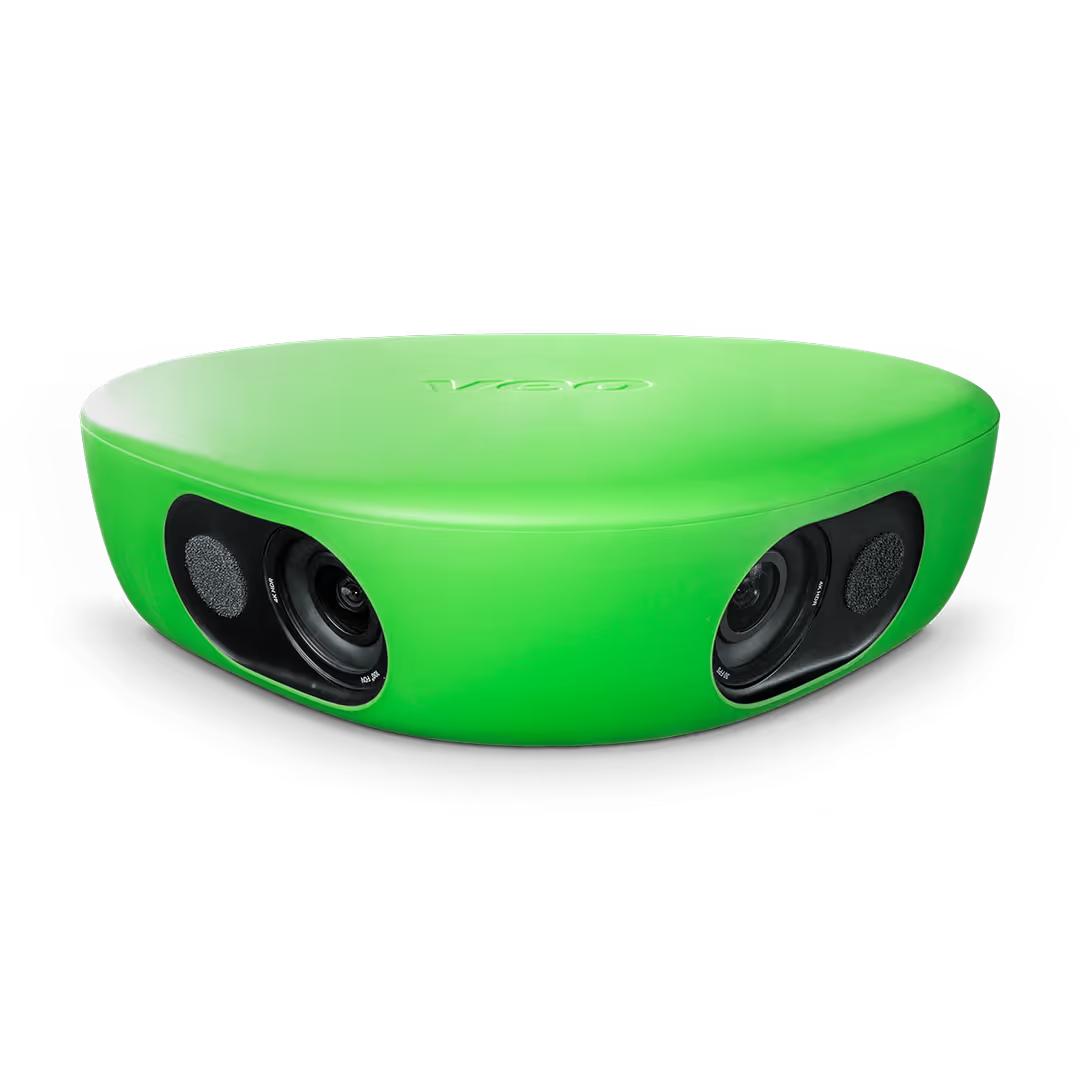
Veo Cam 3


Pricing
Subscribe to start recording the moments that matter. Choose the plan that works for you.
Included
- 1 Team plan
- 15 users
- 6 months of game storage
- 20 recording hours per month

Veo Go Phone Rig
Free with yearly subscription
{amount} {currency}
Free

Veo Go Tripod
Free with yearly subscription
{amount} {currency}
Free
{amount} {currency}
/month (excl. taxes)
Billed
{period}
{amount} {currency}
(excl. taxes)
FAQs
The two phones used for recording must be iPhones.
Yes, you can use the iPhone you already own. If you have two iPhones, you can use them together for an even better experience. If you only have one, no worries — simply pair it with a teammate’s iPhone.
No, you don't need to buy any new iPhones to use Veo Go. Use your own and connect with one from your coach or someone on your team.
The Veo Go app is available for any iPhone or iPad running iOS 17 or newer. The camera role is limited to iPhones equipped with an ultra-wide camera (iPhone 11 or newer, excluding iPhone SE and iPhone 16e).
See the full compatibility here.
The iPhones used for recording don't have to be the same model; any combination of the Veo Go-supported iPhones can be used to record.
Veo Go needs two devices to capture a game: two iPhones with ultra-wide cameras to control and record.
Yes, you can record in light rain. For more details about the water resistance of specific iPhone models, check Apple’s official information here: Apple Water Resistance Guide.
Veo Go supports a wide range of team sports, allowing you to record and review every match in full detail. At this time, our smart highlight creation feature is only available for soccer, but we’re continuously improving Veo Go to bring this feature and other advanced tools to more sports in the future.
The subscription covers the cost of storing your games on Veo’s platform and running the necessary AI processing to ensure high-quality, automated video production.
This includes features like:
– Automatically detected events
– The ability to create and manage your own events
– Assigning players to highlights
– And much more
You can learn more about the Veo Editor here. Currently, Veo Go does not support the Veo Analytics, Veo Player Spotlight, and Veo Live add-ons.
It depends on the length of the game. The two recording phones need about 6GB of storage each for one hour of recording.
Although full games cannot be downloaded as files, they can easily be shared with friends, family, and teammates via a link to the Veo platform.
All the highlight clips you create can be downloaded as MP4 files and shared.
All your recordings are available on the Veo platform using the link app.veo.co. You can freely use all the features in the Veo Editor. At this stage, Veo Go does not support Veo Analytics, Veo Player Spotlight and Veo Live add-ons.
Follow these quick tips to ensure the highest-quality recording:
– Attach the waterbag to the tripod to secure the iPhones
– Ensure that the full pitch is captured
– Do not move the tripod once recording has started
Once you stop recording, each iPhone will have captured one half of the pitch. Upload both video files to the Veo platform, and they'll be combined into one full game video covering the entire pitch.
Yes. Veo Go doesn’t rely on field markings. Our AI automatically understands the game and captures the action, so you can record even without visible lines.