Best Camera for Lacrosse: Record, Analyze and Improve Your Program [2026]
Veo
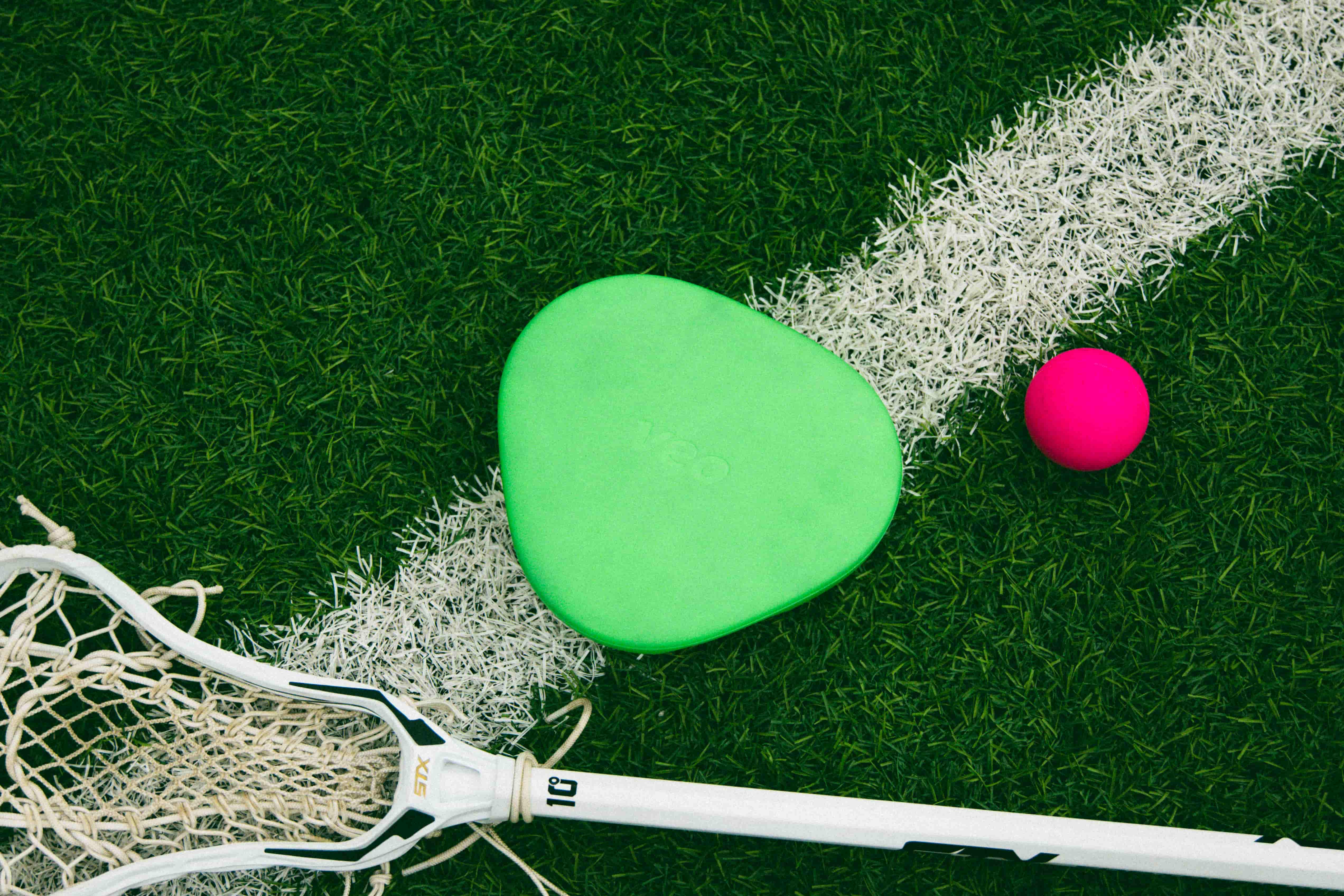
The best camera for filming lacrosse games and training. Field positioning, indoor setup, Veo Cam 3 for lacrosse, and how coaches use footage to develop players faster.
Lacrosse moves faster than most sports coaches can fully track live. Defensive rotations, crease cuts, fast break patterns, and dodging sequences all happen simultaneously across a wide field. A coach watching one area of the field during a game is inevitably missing something significant in another.
Video changes that. A camera positioned correctly at midfield captures the entire field throughout the game, giving coaches access to everything that happened after the final whistle. This guide covers what to look for in a lacrosse camera, where to position it for maximum field coverage, and how Veo Cam 3 handles the specific demands of filming lacrosse.
If you are a parent looking for a guide on how to record youth sports, see how to record youth sports.
What makes lacrosse challenging to film
Three characteristics of lacrosse create specific filming demands that matter when choosing a camera:
Field width
A standard men’s lacrosse field is 110 yards long and 60 yards wide. Women’s and box lacrosse have different dimensions. A camera positioned too close or at the wrong angle misses wide play and off-ball movement on the far side of the field. The camera needs to capture the full width of the field to be useful for coaching review of team structure.
Speed of transition
Lacrosse transitions from defence to offence faster than almost any field sport. A cleared ball can reach the attack end in under 10 seconds. A camera that follows the ball with pan-tilt-zoom mechanics will lag behind transition play and miss the defensive structure forming at the other end. Wide-angle cameras that capture the full field handle fast transitions without any lag.
Indoor and outdoor variants
Box lacrosse is played in an enclosed arena. Field lacrosse is played outdoors. The same camera system needs to handle both if a program plays both variants. Indoor filming adds the challenges covered in the basketball section: lighting, reflective surfaces, and limited tripod positioning.
Camera positioning for lacrosse
The standard position: midfield elevated
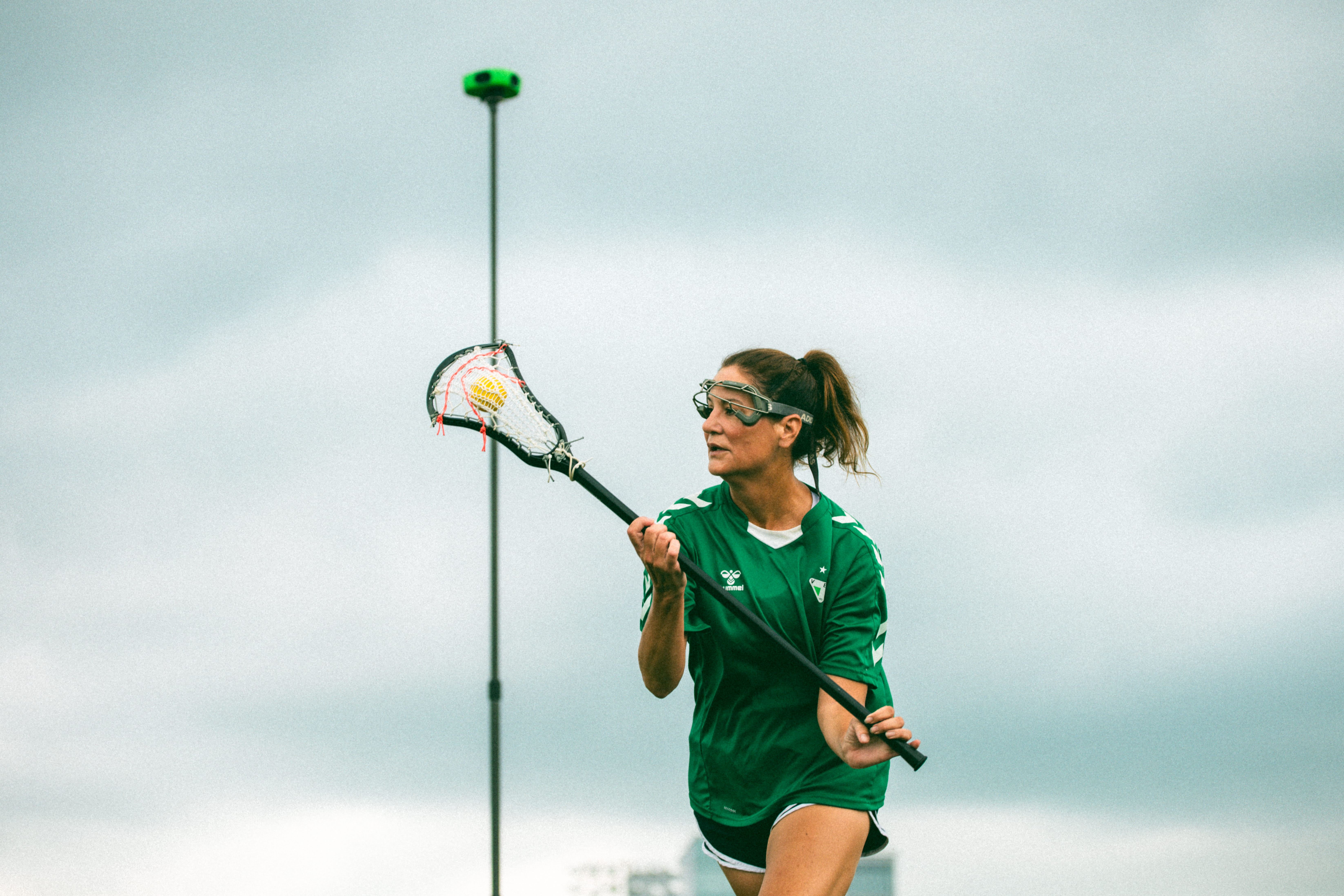
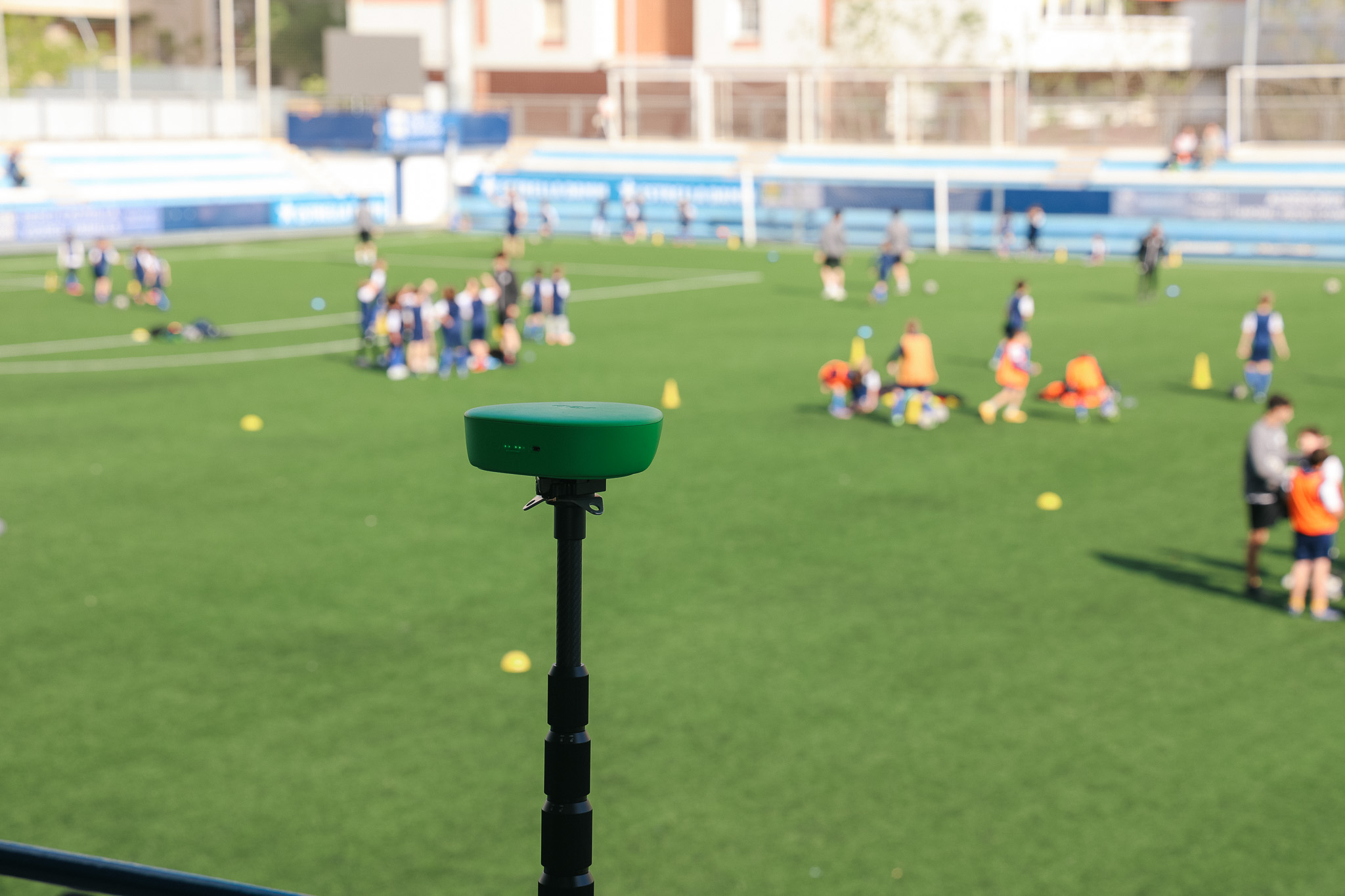
For most lacrosse programs, the midfield elevated position is the right starting point. Place the tripod at the centre of the field on the sideline, elevated as high as possible. The camera’s wide-angle lens covers from end line to end line and captures the full width of the field simultaneously.
This position gives coaches access to:
- Defensive rotations. See how the defence adjusts as the ball moves, who is leaving their assignment, and where the weak side exposure is.
- Fast break structure. The transition from defence to attack is fully visible, including how quickly players convert their roles.
- Midfield play. Ground balls, rides, clears, and face-off sequences are all central in the frame from this position.
- Both goalies. Both ends are visible simultaneously, which matters for reviewing goalie positioning and decision-making throughout the game.
Setup: Extend the tripod to maximum height. Position at the centre of the sideline. Confirm both goal lines are visible in the Veo app preview before pressing record.
How to set up Veo Cam 3 for a lacrosse game
- Arrive before warm-ups. Set up the camera before players take the field. This gives time to adjust the angle and confirm coverage before the game starts.
- Extend the tripod fully. Height is the most important setup variable. The higher the camera, the wider the field coverage. Use maximum tripod height.
- Position at midfield. Place the tripod at the centre of the sideline. For box lacrosse, position at the midpoint of the rink boards.
- Connect via Bluetooth. Open the Veo app on your phone, connect to the camera, and check the live preview. Both end lines should be visible in the frame.
- Press record and step away. The camera runs completely unattended from this point. Check the phone battery before leaving the camera unattended for longer games.
- Stop and upload. After the final whistle, stop recording in the app. Connect to Wi-Fi for automatic upload to your Veo account.
More than 40,000 clubs use Veo to film and analyze sport
More than 40,000 clubs across 100 countries use Veo to store and share footage, with over 4 million matches filmed on the platform (Veo internal data, 2026).
Using lacrosse footage for coaching analysis
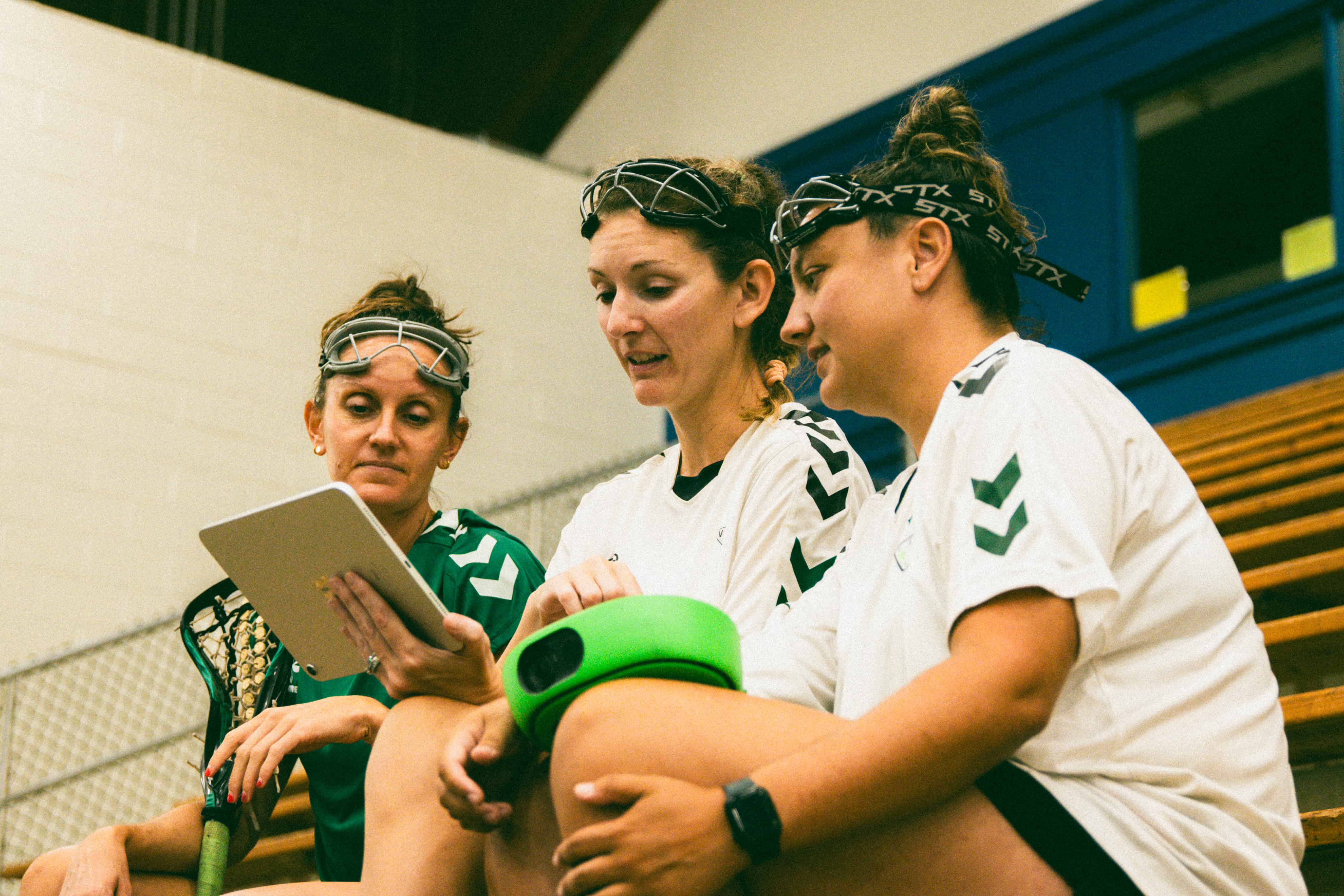
The full-field recording Veo Cam 3 produces is more useful for lacrosse coaching than a follow-cam view. Three areas where it makes the biggest difference:
Defensive structure review
Lacrosse defence is complex and highly interdependent. When one defender commits to a check, three other defenders need to adjust their positioning simultaneously. Reviewing this live is nearly impossible because the coach’s attention follows the ball. The wide-angle recording shows all six defenders’ positioning simultaneously throughout the possession, making defensive breakdowns visible and specific.
Clear and ride patterns
Clears and rides are sequences where the entire team is active across the full field simultaneously. The midfield camera captures both the clearing unit and the riding unit at the same time. Coaches reviewing clears from this footage can identify exactly where a ride broke down, which players were out of position, and where the clear created its opportunity.
Recruiting and highlight reels
College lacrosse recruiting is highly video-dependent. Players seeking scholarships need footage of their individual performance in game situations. The Veo platform allows coaches and players to clip individual sequences directly from game footage and share links with college coaches. A program that films every game automatically builds a library every player can draw from throughout their career.
For more on how video supports player development across all sports, see the complete guide to recording youth sports. For lacrosse-specific features and case studies, visit the Veo lacrosse page.
Box lacrosse: indoor filming considerations
Box lacrosse presents different challenges than field lacrosse. The enclosed arena creates the same indoor filming conditions as basketball: variable lighting, limited tripod positioning, and reflective board surfaces.
- Position at the centre of the boards. The midpoint of the rink boards gives the widest coverage of the playing surface. Elevate the tripod as high as the venue allows.
- Check for board reflections. Shiny boards can cause lens glare from arena lighting. Angle the camera slightly away from any direct light source and check the preview before recording.
- Test the lighting conditions. Arena lighting for box lacrosse varies significantly between venues. Veo Cam 3 adjusts automatically. Check the live preview confirms clear image quality before the game starts.

FAQs
Veo Cam 3 is the best camera for filming lacrosse games for programs that want consistent, automatic full-field coverage. It records the full field at 4K 60fps, sets up in under 2 minutes, requires no operator, and uploads footage automatically after the game. The wide-angle full-field recording is particularly valuable for lacrosse because it captures defensive rotations, transition play, and off-ball movement across the entire field simultaneously.
The midfield elevated position on the sideline is the standard position for lacrosse filming. This gives a wide-angle view of the full field from end line to end line. Elevate the tripod as high as possible for the widest coverage. For box lacrosse, position at the midpoint of the boards elevated above the playing surface.
Yes. Veo Cam 3 is designed to cover a full-size lacrosse field from a single midfield position. The wide-angle lens captures both goals and the full width of the field when the camera is elevated correctly on a tripod. For women’s lacrosse, which uses a larger field, the midfield elevated position still covers the full playing area.
Position the camera at the midpoint of the boards, elevated as high as the venue allows. Connect to the Veo app, check the preview confirms clear image quality under arena lighting, and press record. Veo Cam 3 adjusts automatically to indoor lighting conditions. Check for board reflections in the preview before the game starts and angle the camera slightly away from any direct light source if needed.

%20(1).jpg)