The Complete Guide to Recording Youth Sports [2026]
Veo
%20(1).jpg)
How to record youth sports games and training sessions automatically. Camera setup, positioning by sport, what to do with footage, and why Veo is the choice for 40,000+ clubs.
Youth sports programs film more games and sessions than ever before. The technology that makes automatic recording accessible to any club or coach has improved dramatically over the past five years, and the argument for consistent filming is no longer about budget or complexity. It is about whether coaches are willing to work with less information than they could have.
This guide covers everything a coach or club administrator needs to know about recording youth sports: what equipment to use, how to set it up for different sports, what to do with footage after the session, and how to build a recording habit that actually sticks across a full season.
Why recording youth sports matters
Coaches watch games and sessions live, divided in attention. They are managing players, calling plays, communicating with parents, and trying to observe fifteen athletes simultaneously. Even experienced coaches accurately recall only around 59 percent of critical events after a session. Video closes that gap.
Four reasons recording youth sports produces measurable coaching value:
- Objective feedback. Players who see themselves on video understand corrections immediately. A midfielder who hears "you were out of position" every week processes it differently than a midfielder who watches themselves be out of position for the fourth time in a row.
- Pattern recognition across sessions. Individual game review reveals moments. A library of footage across a full season reveals patterns: the team that concedes from set pieces every third game, the player whose first touch under pressure consistently lets them down.
- Player development and recruiting. Youth athletes who want to progress to higher levels need footage. A club that films automatically gives every player a library of evidence to draw from.
- Parent engagement. Parents who cannot attend every session stay connected to their child’s development by having footage automatically shared after each game.
For a deeper look at the evidence behind video analysis in sport, see the importance of video analysis in sport. If you are a parent looking for a guide on how to record youth sports, see how to record youth sports.
What equipment you need to record youth sports
The equipment decision comes down to one question: do you want someone to operate the camera during the session, or do you want the camera to run automatically?
Manual filming
A parent or volunteer holds a phone or consumer camcorder and follows the action. This produces inconsistent footage that varies in quality based on who is filming, how close they stand to the action, and whether they manage to follow the ball effectively. The coaching value of this footage is limited and unpredictable. For programs filming occasionally, this is acceptable. For programs that want consistent coaching footage every session, it is not.
Automatic tracking cameras
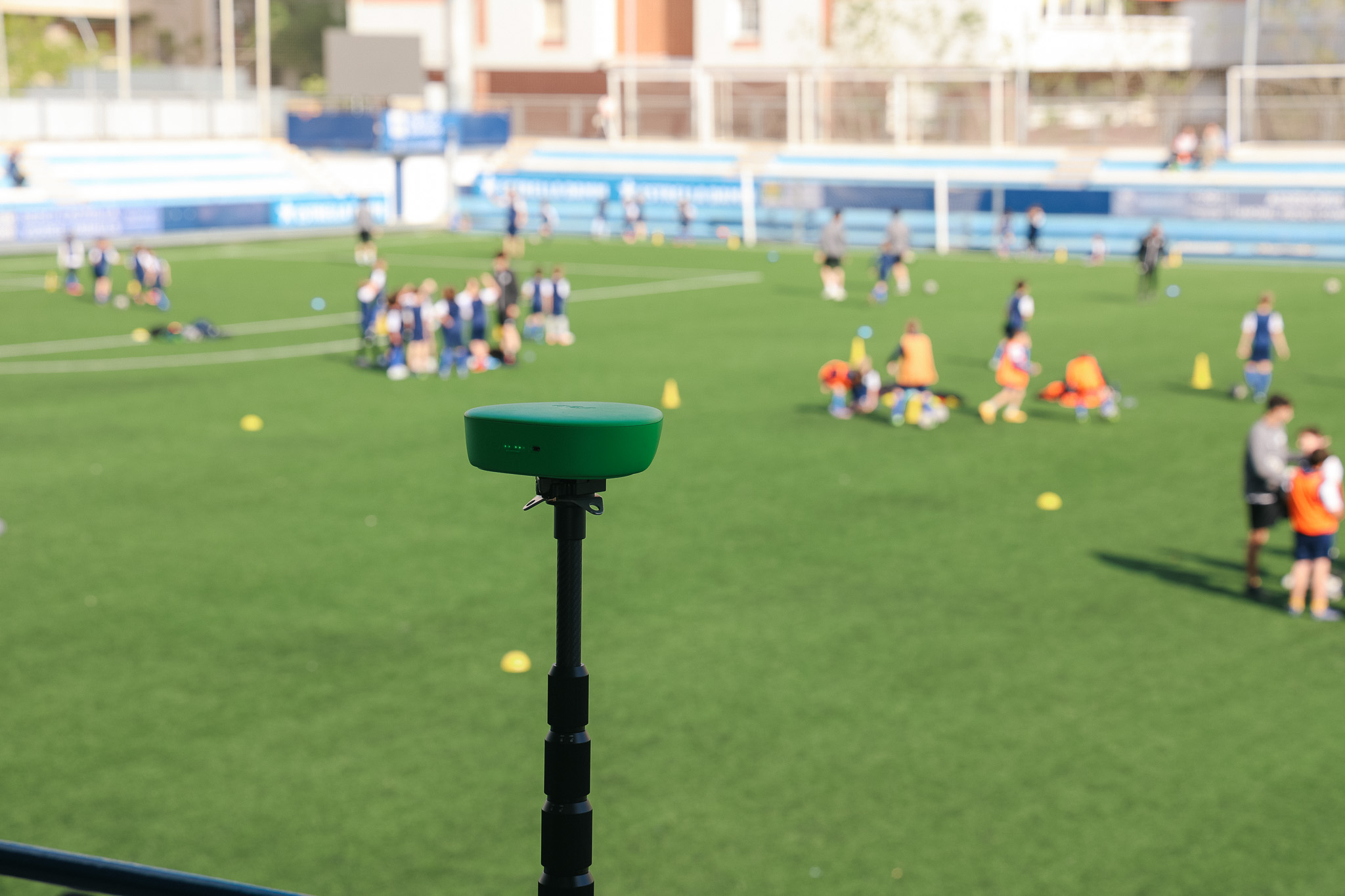
An auto-tracking camera on a tripod records the full session or match without any operator. Once started, it runs unattended. The footage is consistent across every session because the camera setup is the same every time.
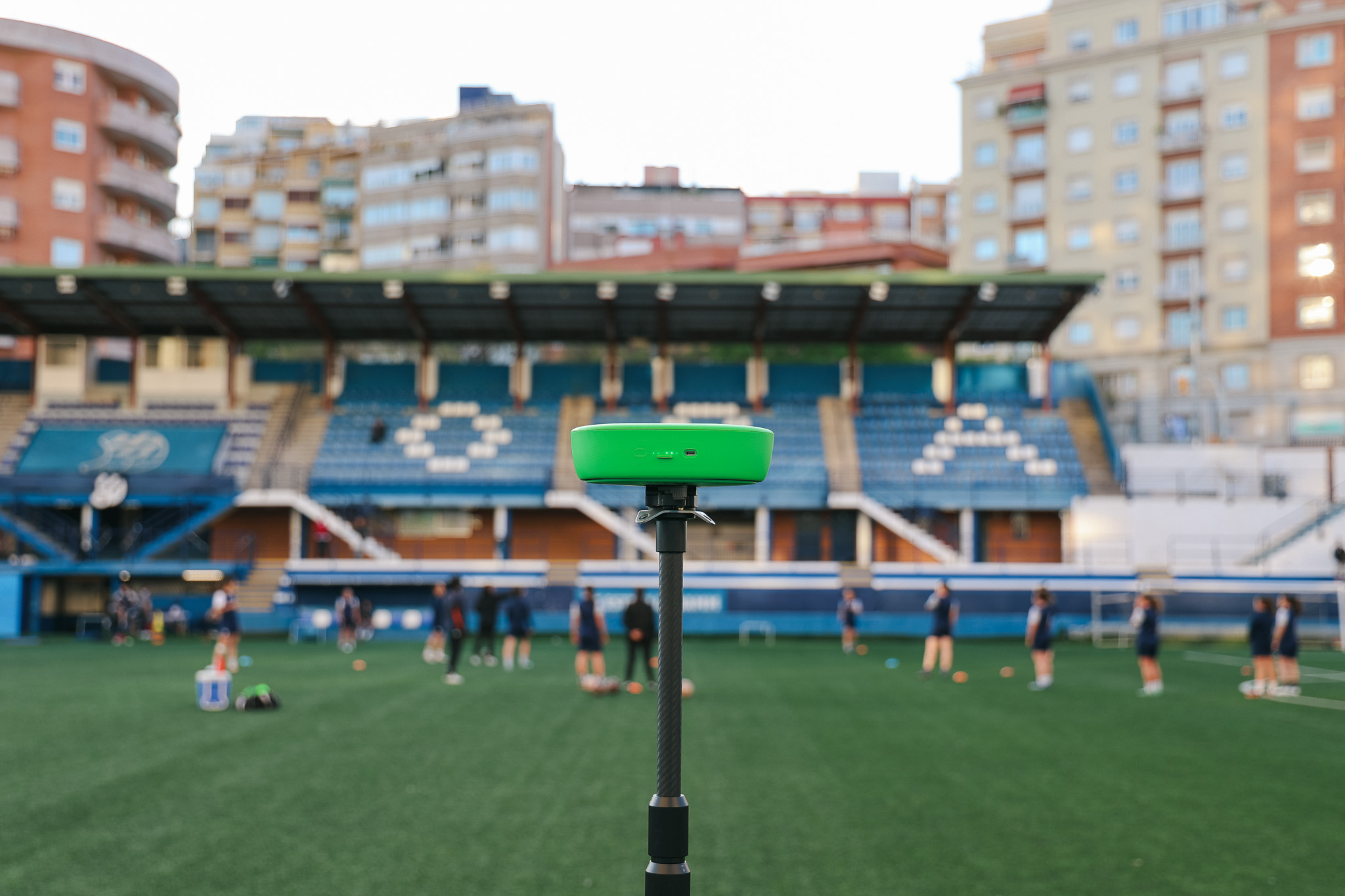
Veo Cam 3 is the most widely used auto-tracking camera in youth sports globally. It records the full field at high resolution throughout the session, generates an AI-tracked follow-cam view after upload, and delivers both views through the Veo platform automatically. Setup takes under 2 minutes. More than 40,000 clubs across 100 countries have made it their standard recording tool.
For a full comparison of auto-tracking options at different price points, see best auto-tracking camera for youth sports.
Camera setup for different sports
The same camera handles most team sports. What changes is the positioning. Here is the correct setup for each sport:
Universal setup steps
Regardless of sport, the setup process with Veo Cam 3 is the same:
- Arrive early. Set up the camera before players arrive. This removes time pressure and lets you check the frame before the session starts.
- Extend the tripod fully. Height is the single most important setup variable. The higher the camera, the wider the field coverage. Use the maximum tripod height available.
- Position at the correct location. See the table above for sport-specific positioning. For most sports, the halfway line or midcourt is the correct starting position.
- Connect via Bluetooth. Open the Veo app, connect to the camera, and check the live preview. Confirm the full playing area is visible before pressing record.
- Press record and walk away. The camera runs unattended from this point. Check on it at half time if the session is long, but no human input is required during play.
- Stop and upload. After the final whistle or the end of training, stop recording in the app. Connect the camera to Wi-Fi for automatic upload.
What to do with footage after the session
Recording consistently only produces coaching value if the footage is reviewed and used. Three workflows that work for youth programs at different levels:
Game review before the next practice
After the footage uploads, watch the last 15 minutes of the match first. This is typically where the most fatigue-related errors and decision-making breakdowns occur. Clip three to five moments that are directly relevant to what you want to work on in the next practice. Show these clips at the start of the session before any drills begin.
Players who see match footage of a specific problem at the start of a training session arrive at the drill that addresses it with a clear mental picture of why it matters. This shortens the time between recognising a habit and changing it.
Individual player clips
Set aside 20 minutes after each game to clip two to three moments per player that illustrate either a strength to reinforce or a habit to correct. Share clips directly with players through the Veo platform before the next session. Keep clips short: 30 to 60 seconds is enough. Players who receive individual video feedback regularly develop faster than players who receive only group verbal coaching.
Season library review
At the midpoint and end of the season, review footage from the first few sessions alongside the most recent sessions. This comparison is the most powerful development tool available to a youth coach. Seeing the same player at the start and end of a season, side by side, makes development visible in a way that verbal assessment cannot replicate.
Building a recording habit that sticks
Most programs that start recording do not struggle with the technology. They struggle with consistency. The camera gets used for matches but not training. It gets forgotten when the pitch is unfamiliar. It gets skipped on the days when setup feels like one more thing to do.
Three habits that keep recording consistent across a full season:
- Keep the camera in the kit bag. Treat it like cones and bibs. If it is in the bag, it gets set up. If it has to be retrieved separately, it gets skipped.
- Assign setup to an assistant coach or parent volunteer. One person who arrives early and owns the camera setup removes the head coach from the process entirely. It becomes their job, not an afterthought.
- Review footage on the same evening. Footage that is not reviewed within 24 hours is rarely reviewed at all. Build the review into the post-match routine rather than leaving it for later in the week.

FAQs
An auto-tracking camera on a tripod is the most consistent and practical way to record youth sports. Veo Cam 3 records the full playing area automatically, requires no operator during the session, sets up in under 2 minutes, and uploads footage to the cloud automatically after the game. Manual filming with a phone produces inconsistent results and requires a dedicated volunteer at every session.
For most team sports, the halfway line or midcourt elevated position is the correct starting point. This gives a wide-angle view of the full playing area. Elevate the tripod as high as possible for the widest coverage. For soccer and field hockey, the halfway line touchline works. For basketball, the corner of the gym elevated. For baseball and softball, an elevated position behind home plate.
No. Auto-tracking cameras like Veo Cam 3 run completely unattended once started. The coach starts recording before the session begins and stops it after the final whistle. No one needs to stand behind the camera during play. This is the primary reason auto-tracking cameras have become standard equipment for youth programs: coaches and parent volunteers cannot reliably operate a camera and coach simultaneously.
The most effective uses are pre-practice clip review, individual player feedback, and season-long development tracking. Show match clips at the start of the next practice to set context for the drills. Share individual clips directly with players before sessions. Review footage from the start and end of the season together to show players their own development over time.
Yes. Veo Cam 3 records both games and training sessions with identical setup and footage quality. Clubs that film training sessions consistently build a richer coaching library than clubs that only film matches. Training footage is particularly valuable for individual technique review: the slower pace of drills gives clearer visual evidence of technical habits than match footage where everything happens at speed.
%20(1).jpg)