How to Create a College Recruiting Video: A Complete Guide [2026]
Veo

How to create a college recruiting video that gets noticed. What clips to include, how to structure it, how long it should be, and how to film automatically with Veo.
College coaches watch hundreds of recruiting videos every year. Most of them are too long, poorly filmed, and full of clips that do not answer the questions coaches are actually asking. A player who understands what a college coach is looking for, and structures their video to answer those questions directly, stands out from the first 30 seconds.
This guide covers everything needed to create a college recruiting video that works: what to include, how to structure it, how long it should be, and how to make sure you have enough consistent game footage to build from. For a full guide to recording your games automatically, see the complete guide to recording youth sports.
Build your recruiting footage library automatically with Veo
Veo Cam 3 records every game automatically. No operator needed. Full footage ready to clip the same evening.
What college coaches actually want to see
The most common mistake in recruiting videos is showing what the player thinks looks impressive rather than what the coach needs to evaluate. A college coach watching a recruiting video is answering three questions:
- Can this player compete at our level? Physical profile, speed, athleticism, and intensity relative to the competition in the clip.
- Does this player make good decisions? Game intelligence, awareness, positioning, and execution under game pressure.
- Will this player fit our program? Work rate, reaction to mistakes, communication with teammates, and composure.
Technical skill highlights matter, but they answer the first question only. A player who shows physical ability, decision-making, and character in their video gives a coach everything they need to make a call.
What clips to include in a college recruiting video
Game film first
Start the video with game film clips rather than a highlight montage. College coaches have learned to treat highlight reels sceptically because skilled editing can make an average player look impressive. Game film clips show the player in real match situations: what they do when they do not have the ball, how they react when a play breaks down, and whether their positioning is correct when the camera is not focused on them.
Use clips from Veo's full-field panoramic view for game film sequences. The wide-angle view shows the player's positioning relative to teammates and opponents in a way that a follow-cam clip does not.
Athleticism and physical profile
College coaches can assess physical profile quickly. Two to four clips that show top speed, vertical jump, or explosive acceleration tell the story in under 60 seconds. Do not pad this section. The clips should be from game situations, not staged drills, to show the physical ability in a competitive context.
Skill highlights
These are the clips most players build their entire video around. They belong in the video, but they are not the most important section. Include eight to twelve skill highlights that show sport-specific technical ability: accurate passes, clean first touches, shot placement, defensive tackles, saves, assists. Each clip should be under 15 seconds.
Character moments
One or two clips showing leadership, competitive drive, or recovery from a mistake differentiate players at the same skill level. A player who sprints back after losing possession, encourages a teammate after a mistake, or stays focused in a difficult game moment tells a coach something that skill clips cannot.
How long should a college recruiting video be
Three to five minutes is the standard length for an initial recruiting video. Longer videos get skipped. College coaches typically decide within the first 60 seconds whether they are interested enough to continue watching. Structure the video so the strongest clips appear first.
If a coach requests full game film after seeing the highlights video, have it ready. Veo Cam 3 records every game automatically and stores footage in the cloud, so full game film from an entire season is accessible and shareable via a direct link without any manual preparation.
.jpg)
More than 40,000 clubs use Veo to build recruiting footage libraries
More than 40,000 clubs across 100 countries use Veo to store and share footage, with over 4 million matches filmed on the platform (Veo internal data, 2026).
How to structure a college recruiting video
The opening 30 seconds determine whether a coach continues watching. Structure the video in this order:
- Name, position, graduation year, club, and GPA. A simple title card at the start. Coaches need this information immediately to know if the player fits their current recruiting needs.
- Two or three game film sequences. Show decision-making and positioning in full match context. Each sequence 20 to 40 seconds.
- Athleticism clips. Two to three clips showing physical profile. Under 60 seconds total.
- Skill highlights. Eight to twelve clips showing sport-specific technical ability. Keep the pace fast.
- Character moment. One clip showing competitive character. Optional but effective.
- Contact information. Name, email, phone, and coach contact details on a final title card.
How to film a recruiting video with Veo
The most common problem with recruiting videos is not editing or structure. It is not having enough good footage to work with. Players who film games inconsistently or rely on a parent with a phone end up with a handful of shaky, inconsistent clips that are hard to use.
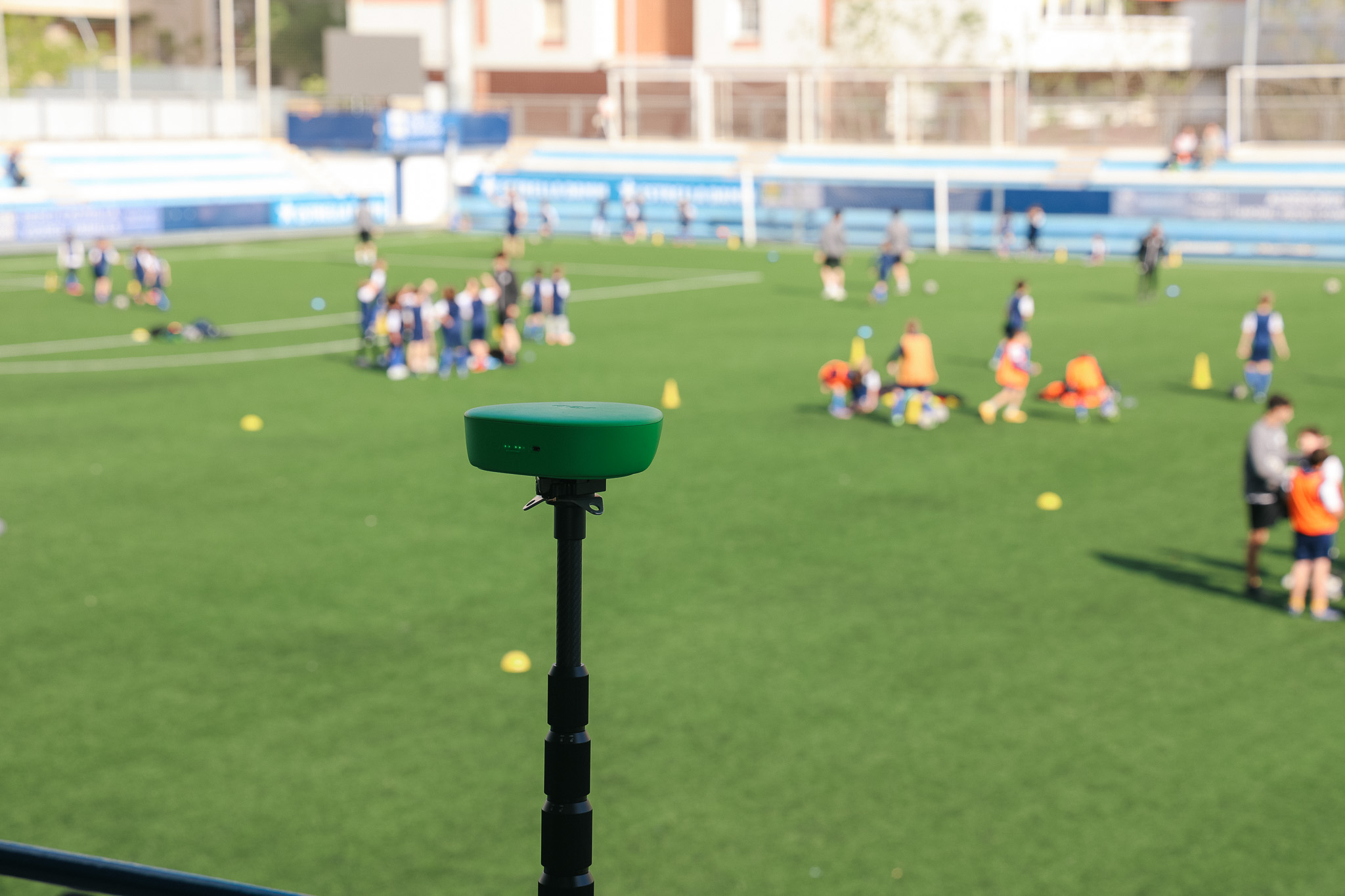
Veo Cam 3 fixes this by recording every game automatically from a consistent camera position. A player whose entire season is filmed from the same elevated halfway line position has a library of footage in the same format, from the same angle, at the same resolution. Pulling clips for a recruiting video from that library takes minutes rather than hours.
Three practical steps for building a recruiting video from Veo footage:
- Film every game from the start of the season. Do not wait until recruitment becomes urgent. Coaches want to see performance across a full season, not cherry-picked clips from a three-week stretch.
- Clip during the season, not at the end. After each game, identify two or three strong clips and tag them in the Veo platform. Building the library gradually makes the final edit fast.
- Share a direct link rather than a file. Veo footage is shareable via a direct link that plays in any browser. No download, no format issues, no email attachment. Send the link in an email or add it to a recruiting profile.
For a detailed guide to camera setup and positioning for game recording, see best auto-tracking camera for youth sports.
Common recruiting video mistakes to avoid
- Too long. Three to five minutes is the maximum. A 10-minute video signals the player does not understand what coaches are looking for.
- All skill highlights, no game film. Highlight reels without game context raise questions rather than answer them. Include at least two full game sequences.
- Poor camera angle. Footage filmed from pitch level by a parent on the sideline gives coaches almost no useful information. The camera needs to be elevated to show positioning and spacing.
- No contact information. A coach who watches the video and is interested needs to know how to reach the player immediately. Include contact details at the start and end.
- Waiting too long to start filming. Most college coaches begin evaluating players in their sophomore and junior years. A player who starts filming consistently at 14 or 15 has a full two to three year library to draw from.

FAQs
A college recruiting video should include game film sequences showing decision-making and positioning, athleticism clips showing physical profile, sport-specific skill highlights, and a title card with the player's name, position, graduation year, and contact information. Character moments showing competitive drive or leadership are optional but effective differentiators. Total length should be three to five minutes.
Three to five minutes is the standard length. College coaches watch hundreds of videos and typically decide within the first 60 seconds whether they are interested enough to continue. A video longer than five minutes rarely gets watched in full. Structure the strongest clips to appear first and keep the total under five minutes.
The best recruiting footage comes from consistently filmed games throughout the season, not clips filmed specifically for a recruiting video. Use an auto-tracking camera like Veo Cam 3 on an elevated tripod at the halfway line to record every game automatically. After the season, pull the strongest clips from the full-field footage. This approach produces better footage than trying to film clips on demand.
Most college coaches begin evaluating players in their sophomore and junior years of high school, which means starting to film consistently at 14 or 15 gives players the most options. Starting earlier means a larger library to draw from and the ability to show development over time. A freshman who films every game has a complete two-year library ready when recruiting conversations begin.
Share a direct link rather than a file attachment. Veo footage is accessible via a shareable link that plays in any browser without downloading. Include the link in an email to coaches, add it to athletic recruiting profiles, and post it in digital portfolios. Direct links are easier for coaches to access and do not have file size limitations that affect email attachments.