Volleyball Highlight Maker: Capture Every Spike and Block Automatically [2026]
Veo
How volleyball clubs capture every spike, block, and dig automatically, then turn the footage into highlight reels with Veo Cam 3 and the Veo Editor. Camera setup, clip types, and sharing.
Most volleyball highlight makers start with the same assumption: you already have good footage. Upload the game, pick the best moments, add music, export. The editing is the easy part. The hard part is the footage itself. A phone held from the bleachers misses the block, loses the setter, and cuts off the play the moment someone steps in front of the lens.
This guide is for volleyball clubs and coaches who want highlights that actually show the sport: the approach, the contact, the seal at the net, the dig that keeps the rally alive. It covers how to record every rally automatically with Veo Cam 3, which moments to turn into clips, and how to share the result with players, parents, and college coaches.
Why most volleyball highlight reels fall short
The quality of a highlight reel is decided before any editing starts. Three footage problems show up again and again in club volleyball:
- Low camera angle. Filming from court level or the first row of seats flattens the net and hides what happens on the far side of it. Blocks, the most technical part of the game, are almost impossible to read.
- Following the ball by hand. A person following the ball with a phone lags behind fast rallies and loses the setter, the hitter, or the blockers at the critical moment. The best highlights need the whole court in frame.
- Inconsistent coverage. If a parent films one match and misses the next, the club has no library to pull from. Highlights for a season need footage from every match.
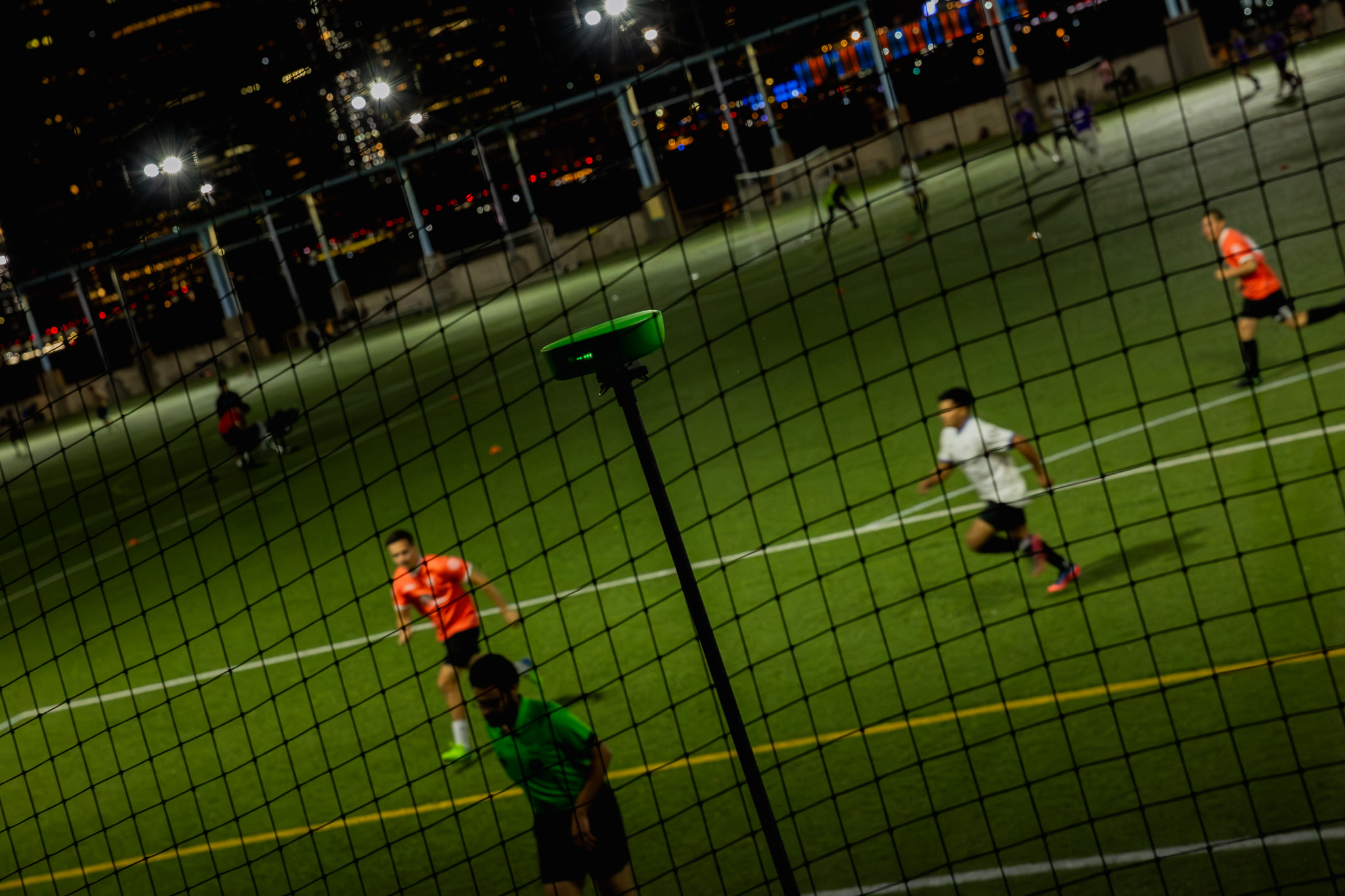
A camera that records the full court from an elevated position, every match, without anyone operating it, removes all three problems. Everything after that is selection.
What to turn into highlights
A good volleyball highlight reel is not only kills. Coaches, recruiters, and parents respond to variety: the point-scoring play, but also the skill that made it possible. The table below shows what to clip and which camera view shows it best.
For players building a recruiting reel, add the defensive and transition moments. College coaches look at decision-making and consistency as much as at the highest-flying swing. For the full recruiting process, see how to create a college recruiting video.
Where to place the camera
Two positions cover almost every highlight need in volleyball. Both use the Veo tripod at maximum height.
- End line elevated. Behind one end line, looking into the court. This is the best view for attacks, blocks, and setting, because it shows the hitter, the block, and the net in one frame. Use it as the main position for highlights.
- Corner elevated. In a corner of the gym, at the top of the bleachers or on a tall tripod. This shows the full court width, serve receive shape, floor defence, and complete rallies. Use it for digs, serves, and rally clips.
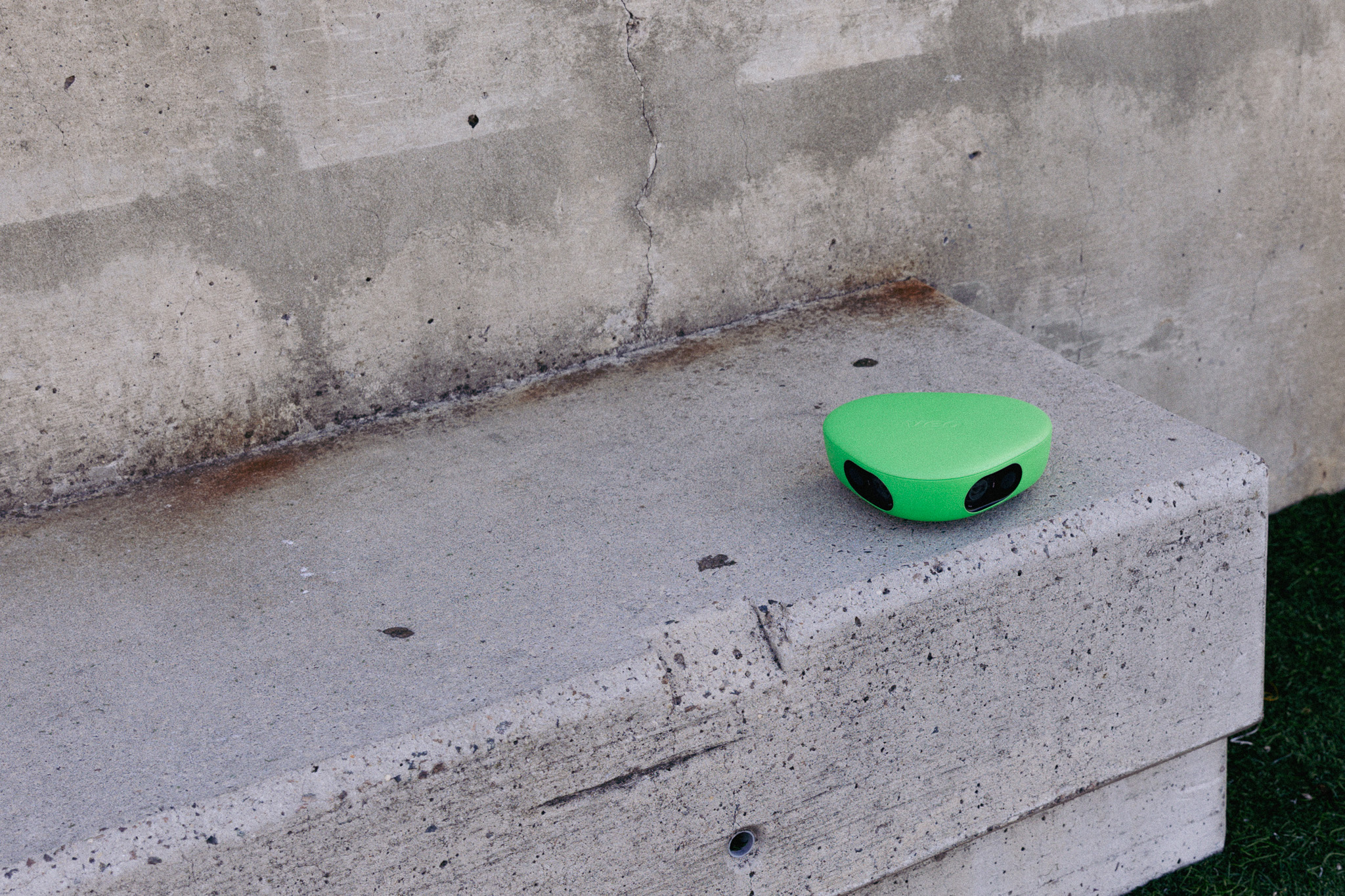
Setup takes under 2 minutes. Extend the tripod, mount the camera, connect via Bluetooth in the Veo app, check that the full court is visible in the preview, and press record. The camera runs unattended for the whole match. For setup guidance across sports, see the Veo volleyball page.
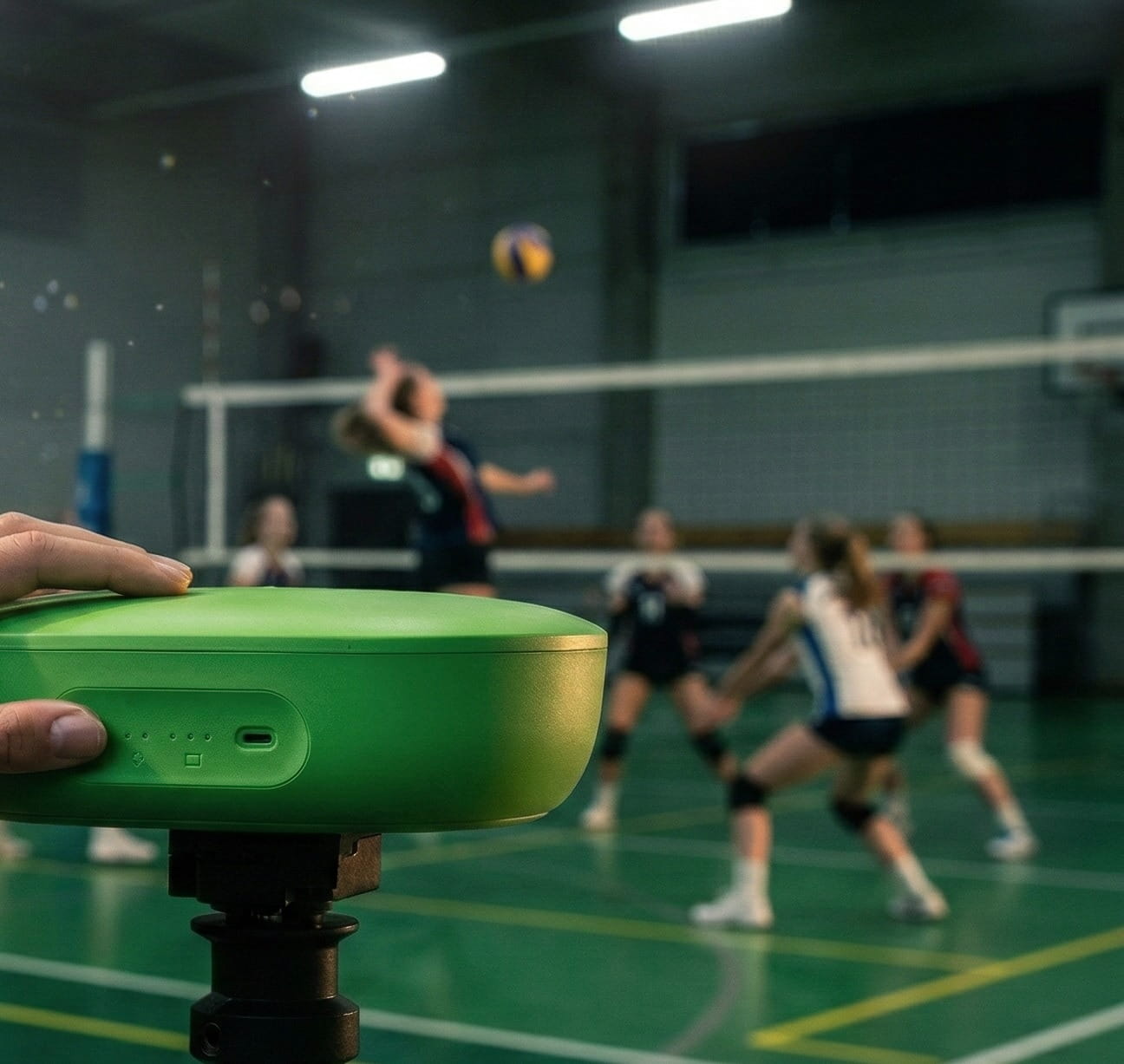
How to make volleyball highlights with Veo
- Record the match. Veo Cam 3 films the full court automatically from the elevated position. No one needs to operate it.
- Upload after the match. Connect the camera to Wi-Fi and the footage uploads to your Veo account automatically. Both the AI-generated follow-cam and the Interactive Player, which lets you pan and zoom across the full court, are available.
- Find the moments. Use the Interactive Player to scan the full court and find the rallies worth keeping. Use the follow-cam for close-up clips that follow the action.
- Clip and tag. Use the Veo Editor to trim each moment into a short clip, tag the players in it, and add a comment such as attack, block, or dig. The drawing tools let you mark positioning on any frame. Tagged clips are easy to find again at the end of the season.
- Build the reel. Combine the best clips into a highlight reel, strongest moments first. Keep club reels to 30 to 60 seconds for social media and recruiting reels to three to five minutes.
- Share a link. Share the reel or any single clip with a direct link that plays in any browser. No download and no file transfer.
If you're a coach, see our full volleyball guide for coaches.
Highlights for the whole club, not only the best player
Clubs get the most out of a highlight workflow when it covers every player and not only the stars. A weekly set of short clips for each player gives every athlete a record of their season. Parents get something to share. Coaches get specific moments to use in feedback. Older players get a head start on their recruiting reel.
- For coaches. Clip one strength and one habit to correct per player and send both before the next practice.
- For parents. Share the best rally or the first ace of the season. These are the clips that get shared in family group chats.
- For the club. A monthly team highlight for social media shows prospective players and sponsors what the club looks like in action.

FAQs
The best results come from combining a camera that records every rally automatically with an editor that makes clipping and sharing fast. Veo Cam 3 films the full court from an elevated position without an operator, and the Veo Editor lets you trim clips, tag players, add comments, build a highlight reel, and share it with a direct link. Standalone highlight makers can edit footage, but they depend on you already having good footage.
Record the full match from an elevated position, upload the footage, and pick the moments you want to keep: attacks, blocks, serves, digs, and full rallies. Trim each moment into a clip of 5 to 12 seconds, tag the players in it, and combine the best clips into a reel with the strongest moments first. Share the finished reel with a direct link.
Use two elevated positions. Behind one end line, looking into the court, is the best view for attacks, blocks, and setting. A corner position at the top of the bleachers is best for serves, digs, and full rallies. Set the Veo tripod to maximum height in both cases so the whole court and the net are in frame.
No. Veo records every rally automatically, so the camera never misses a spike or a block, but you pick the moments yourself. AI event detection and AI-generated clips are currently available for football, rugby, and lacrosse. For volleyball you get the follow-cam, the Interactive Player, and the drawing tools, and you create clips manually in the Veo Editor, which takes a few seconds per clip.
For social media and club promotion, 30 to 60 seconds works best. For college recruiting, three to five minutes is the standard, with the strongest clips first and a title card with the player's name, position, graduation year, club, and contact details. Coaches decide within the first minute whether to keep watching.