Basketball Camera Auto Tracking vs Manual Filming [2026]
Veo

Auto-tracking camera or manual filming for high school basketball? Compare staffing, setup, and footage, and see how Veo Cam 3 covers the full court.
A basketball auto-tracking camera on a tall tripod records the full court without anyone running it. That is the main difference from manual filming, where a coach, a parent, or a student has to operate the camera for every game and misses the game they came to watch.
This guide compares the three ways high school programs film basketball, shows what each costs in staff time and footage quality, and helps you decide which fits your program. For what to look for once you have the footage, see the basketball video analysis guide.
Film every game without an operator
Veo Cam 3 records the full court from a corner or the bleachers. Set up in under 2 minutes in any gym.
What auto tracking means for basketball
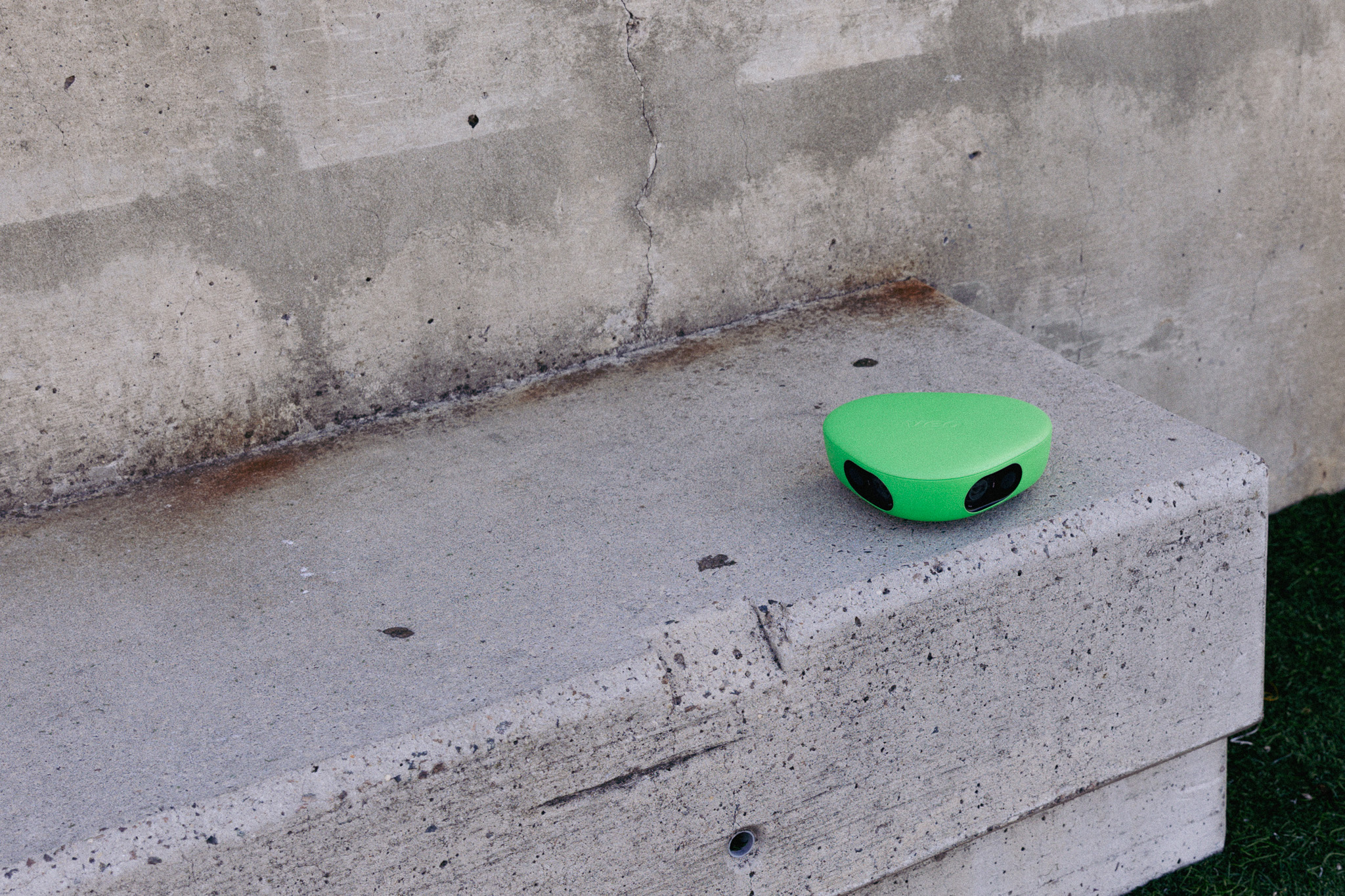
An auto-tracking camera follows the action without anyone steering it. Veo Cam 3 records the whole court from an elevated position, and its AI creates a follow-cam view from that recording after the game uploads. Coaches get two ways to watch the same game. The follow-cam stays with the ball and the action. The Interactive Player lets you pan and zoom across the full court, so you can watch what happened away from the ball.
Three ways to film a basketball game
What manual filming costs a high school program
The camera is the small cost. The larger cost is the person running it.
- Staff time. Someone has to film every home and away game for varsity and JV. Across a season, that adds up to a lot of volunteer hours, and coverage depends on who shows up.
- Consistency. Different operators film from different spots at different zoom levels. A library of clips from five angles is hard to compare week to week.
- Turnaround. Footage that sits on a phone or an SD card has to be moved by hand before anyone can use it. Veo uploads automatically after the game when the camera connects to Wi-Fi.
- Coaching attention. A coach who films cannot coach. A parent who films cannot watch their kid play.
More than 40,000 clubs use Veo to film and share sport
More than 40,000 clubs across 100 countries use Veo to store and share footage, with over 4 million matches filmed on the platform (Veo internal data, 2026).
What Veo Cam 3 gives a high school basketball program
- Full-court recording. The camera records from an elevated position with no operator, so both baskets and all ten players stay in frame.
- Two views of every game. The AI follow-cam for highlights and individual clips, and the Interactive Player for pan and zoom across the whole court.
- Review tools in the Veo Editor. Trim clips, tag players, add comments, and draw on the footage to show spacing and positioning.
- Sharing by link. Send a clip or a full game to a player or a parent with a link that plays in any browser.
For basketball, Veo gives you the recording and the review tools. You create clips yourself in the Veo Editor, and the platform does not generate automatic basketball stats or shot charts.
Where to mount the camera in a gym
- Corner elevated. The top of the bleachers or a tall tripod at maximum height in one corner. This shows the full court and transition play from end to end, and it is the best single position for most programs.
- Midcourt elevated. A position above the sideline at half court gives the widest view of half-court sets and spacing.
Check the live preview in the Veo app before tip-off to confirm both baskets are in frame, then press record. For the full step-by-step setup, see how to record basketball games.
How to choose for your program
- Manual filming works if you film a handful of games a season and have a reliable volunteer for each one.
- A fixed camera works if you only need a wide record of the game and you rarely review it.
- An auto-tracking camera works if you film every game, run more than one team, want players to get their own clips, or support college recruiting with game footage.
For a broader comparison across sports, see the best auto-tracking camera for youth sports. For basketball-specific features, visit the Veo basketball page.

FAQs
The best auto-tracking camera for basketball records the full court from an elevated position without an operator and gives coaches a follow-cam plus a way to watch the whole court. Veo Cam 3 does both, uploads automatically after the game, and is used by more than 40,000 clubs worldwide.
For programs that film every game, yes. An auto-tracking camera needs no operator, films from the same position every time, and keeps the whole court in frame. Manual filming only makes sense for a few games a season with a reliable volunteer.
Mount it in a corner of the gym at the top of the bleachers or on a tall tripod at maximum height. This shows the full court and transition play. Check the live preview to confirm both baskets are in frame before you press record.
Yes. Veo Cam 3 records the whole court at all times, and the follow-cam is created from that recording after the game. Fast breaks and transitions are captured in full, and the Interactive Player lets you watch any part of the court you want.
Coaches watch the full-court recording in the Interactive Player or the AI follow-cam, trim key moments into clips in the Veo Editor, tag the players in them, and add comments or drawings. They share the clips with a link before the next practice.